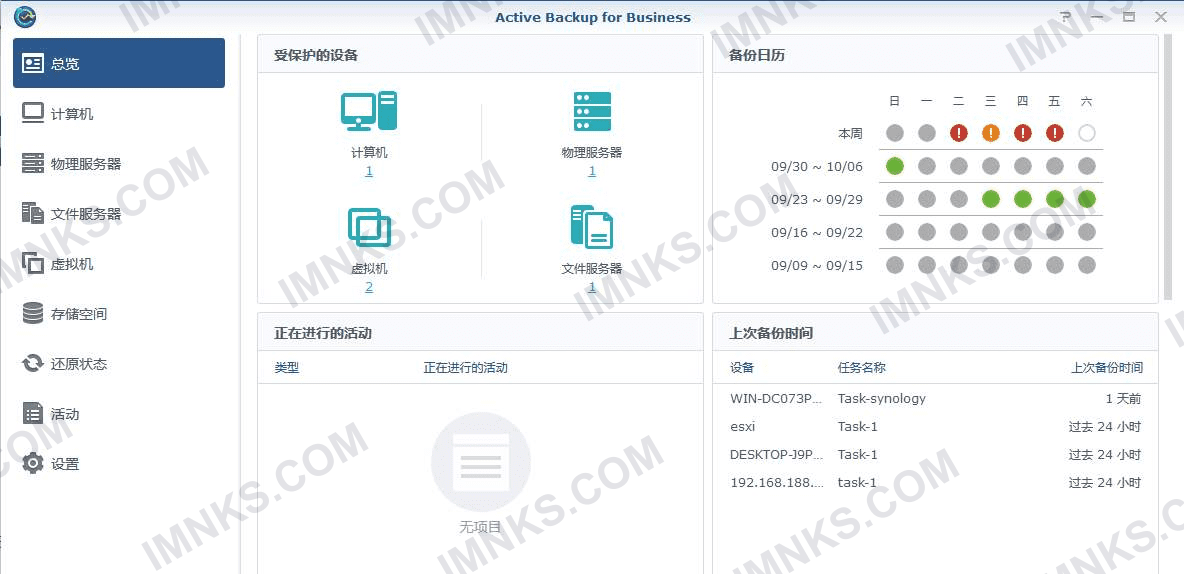
2025.3.7网友分享的新方法,请!!!局域网通过SSH连接群晖一键激活。
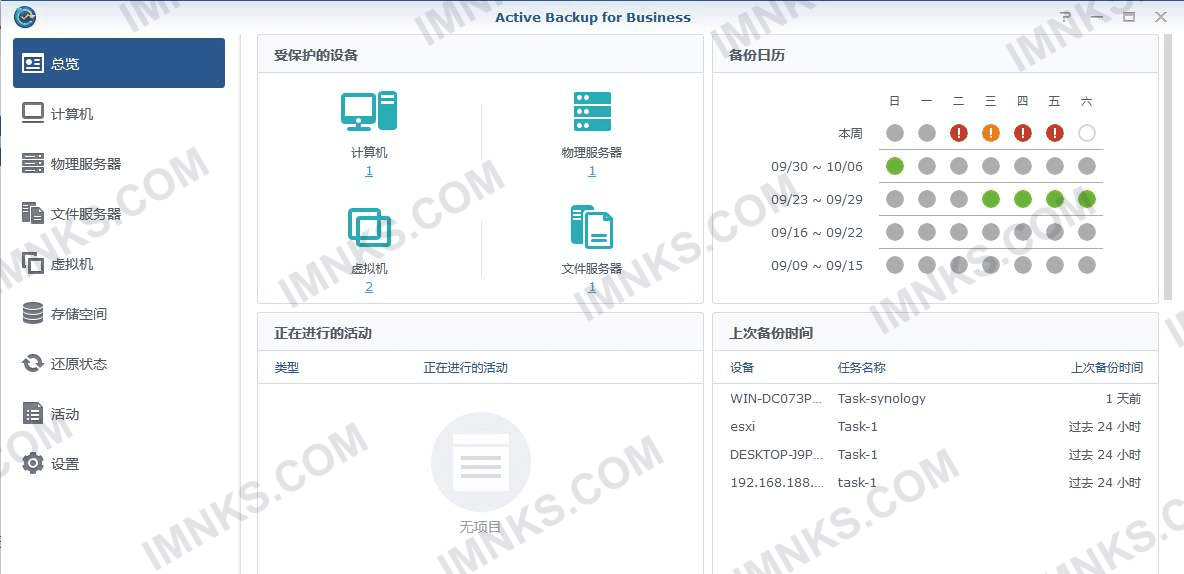
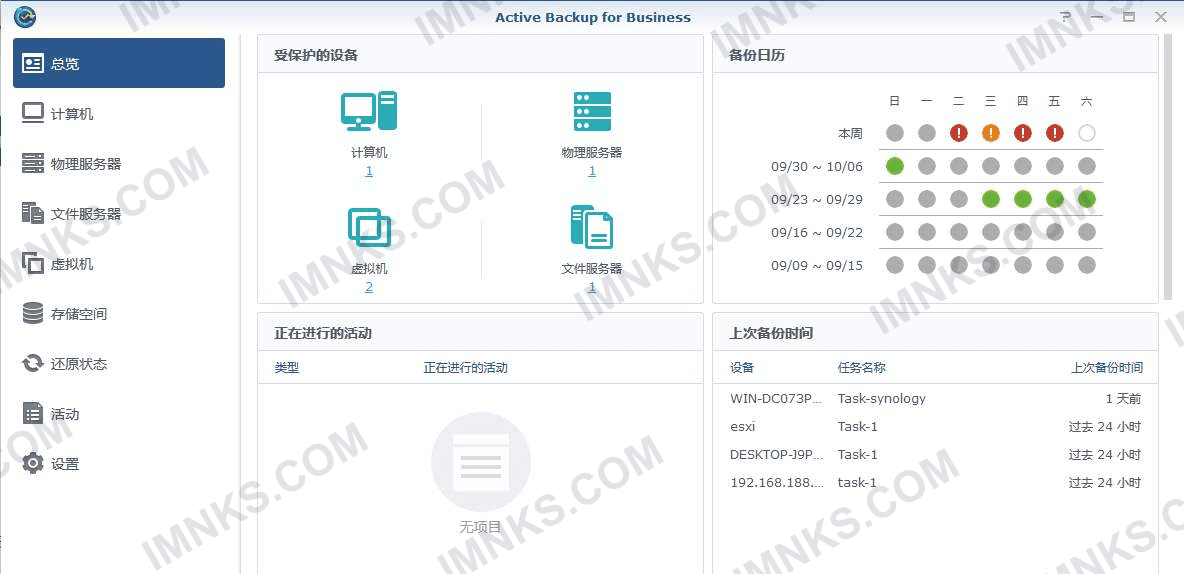
免洗白激活Active Backup for Business DSM6、7
# Active Backup for Business
synowebapi --exec api=SYNO.ActiveBackup.Activation method=set version=1 activated=true serial_number=\"$(cat /proc/sys/kernel/syno_serial)\"

# Active Backup for Google Workspace
synowebapi --exec api=SYNO.ActiveBackupGSuite method=set_activation version=1 serial_number=\"$(cat /proc/sys/kernel/syno_serial)\"

# Active Backup for Microsoft 365
synowebapi --exec api=SYNO.ActiveBackupOffice365 method=set_activation version=1 serial_number=\"$(cat /proc/sys/kernel/syno_serial)\"
展开/收起内容
建议先改个简单的密码不带特殊字符(DSM7改下安全设置),执行完毕后再恢复强密码!
URL:群晖的局域网IP,192.x.x.x这种;PORT:群晖的端口,一般是5000 (https就是5001)
第一步 登陆 #DSM6适用 http://URL:PORT/webapi/auth.cgi?api=SYNO.API.Auth&method=Login&version=1&account=管理员用户名&passwd=密码&format=cookie #DSM7适用 http://URL:PORT/webapi/auth.cgi?api=SYNO.API.Auth&method=login&version=3&account=管理员用户名&passwd=密码&format=cookie 正常返回结果:{"data":{"did":"xxx","sid":"xxx"},"success":true}
第二步 激活 http://URL:PORT/webapi/entry.cgi?api=SYNO.ActiveBackup.Activation&method=set&version=1&activated=true&serial_number="群晖SN码" 正常返回结果:{“data”:{“activated”:true},”success”:true}
第三步 验证
http://URL:PORT/webapi/entry.cgi?api=SYNO.ActiveBackup.Activation&method=get&version=1
正常返回结果:{"data":{"activated":true,"activation_time":xxx,"serial_number":"群辉SN码"},"success":true}
免洗白激活Synology Drive高级功能 DSM7.x 2024.4.29全球首发😛
# Synology Drive Server
synowebapi --exec api=SYNO.SynologyDrive.Activation method=set version=1 activated=true request_id=\"$(cat /proc/sys/kernel/syno_serial)\"
展开/收起内容
建议先改个简单的密码不带特殊字符(DSM7改下安全设置),执行完毕后再恢复强密码!
URL:群晖的局域网IP,192.x.x.x这种;PORT:群晖的端口,一般是5000 (https就是5001)
第一步 登陆 http://URL:PORT/webapi/auth.cgi?api=SYNO.API.Auth&method=login&version=3&account=管理员用户名&passwd=密码&format=cookie 正常返回结果:{"data":{"did":"xxx","sid":"xxx"},"success":true}
第二步 激活 http://URL:PORT/webapi/entry.cgi?api=SYNO.SynologyDrive.Activation&method=set&version=1&request_id="群辉SN码"&activate=true 正常返回结果:{"data":{"activated":true},"success":true}
第三步 验证 http://URL:PORT/webapi/entry.cgi?api=SYNO.SynologyDrive.Activation&method=get&version=1 正常返回结果:{"data":{"activated":true,"activation_time":xxx,"serial_number":"群辉SN码"},"success":true}